

What happens to a new connection
Your desktop makes connections you never see.
Programs open connections all the time, and most are ordinary.
- Examples
- A browser, a package manager, a sync script, even a single
ping - Asks permission
- Almost never
Connected, never asked
 Firefoxexample.com · port 443no prompt
 pacmanmirror.example.org · port 443no prompt
- python3 running sync.py203.0.113.45 · port 8443no prompt
- ping192.0.2.1 · ICMPno prompt
Peephole pauses each new connection until you answer.
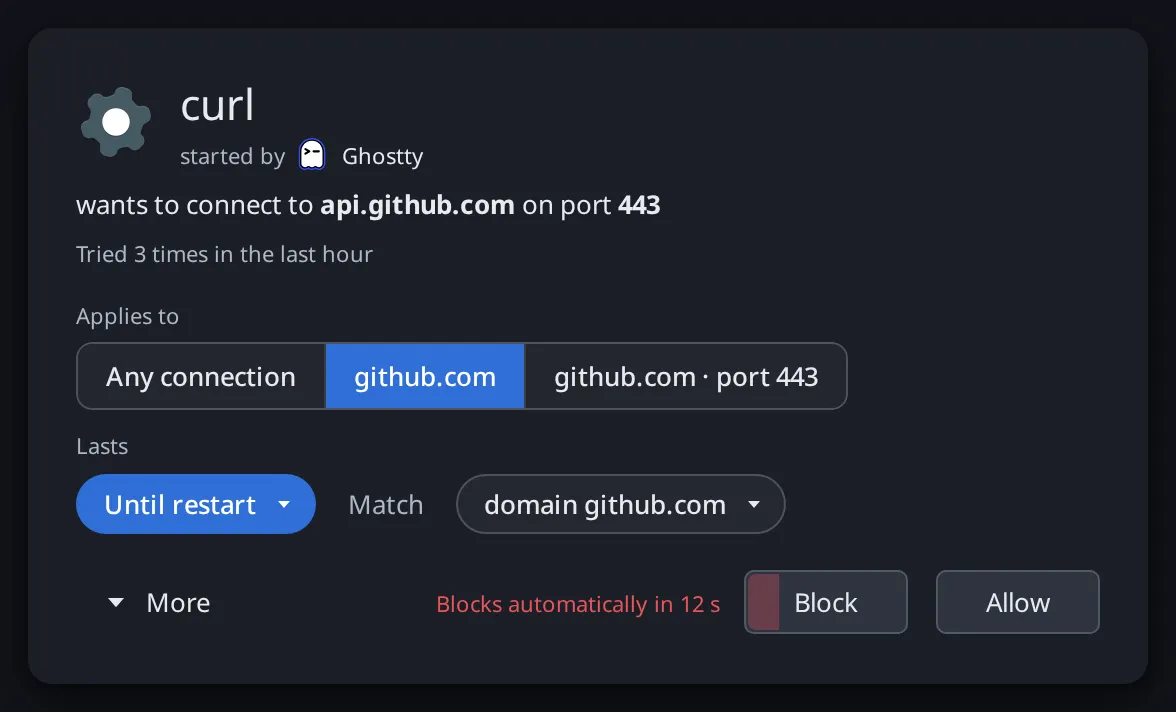
The alert shows the program, the host and the port.
- If there's only an IP
- The alert adds its reverse DNS name, marked Unverified
- If you block
- The app gets an error right away instead of hanging
- If you don't answer
- Blocked after 60 seconds. You can make it allow instead.
curl started by Ghostty
wants to connect to api.github.com on port 443
python3 running sync.py started by Konsole
wants to connect to 203.0.113.45 Unverified on port 8443
Reverse DNS: host-45.example.net
Blocks automatically in 60 sBlockAllowYou choose the scope, and how long it lasts.
The alert spells out the exact rule before you answer.
- Applies to
- Any connection, a domain, a domain and port, or a port
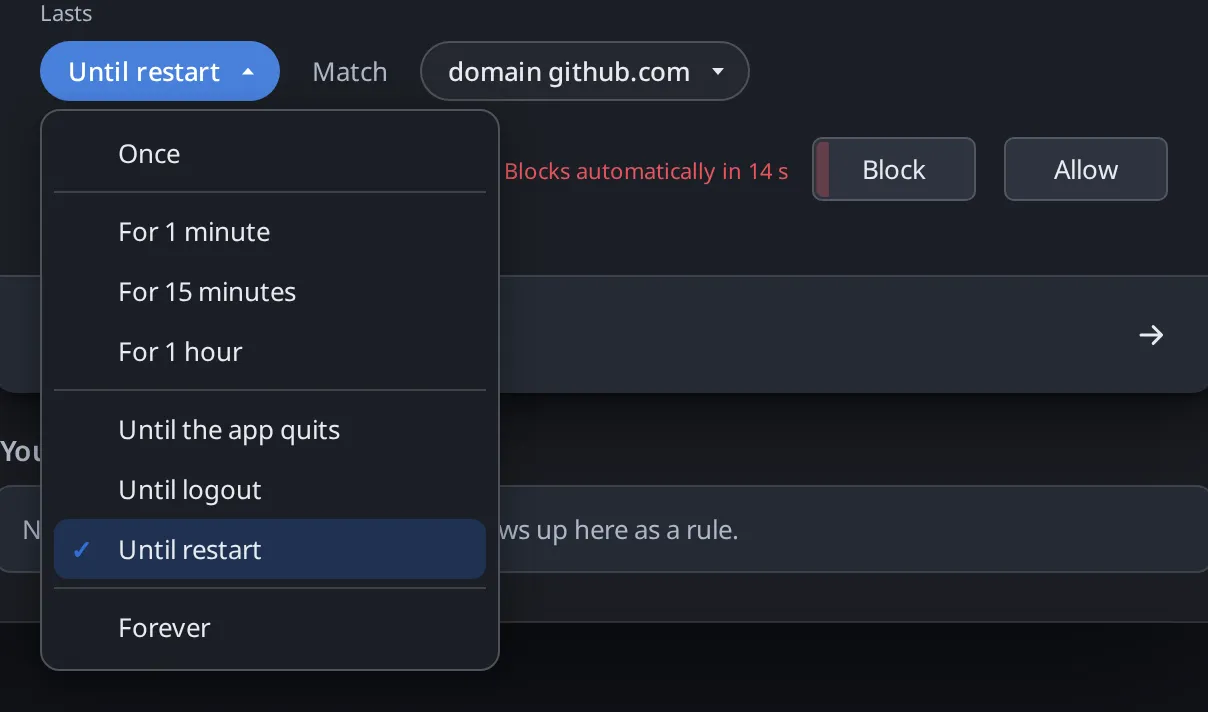
- Lasts
- Once, 1, 15 or 60 minutes, until quit, logout or restart, or forever
- Tied to
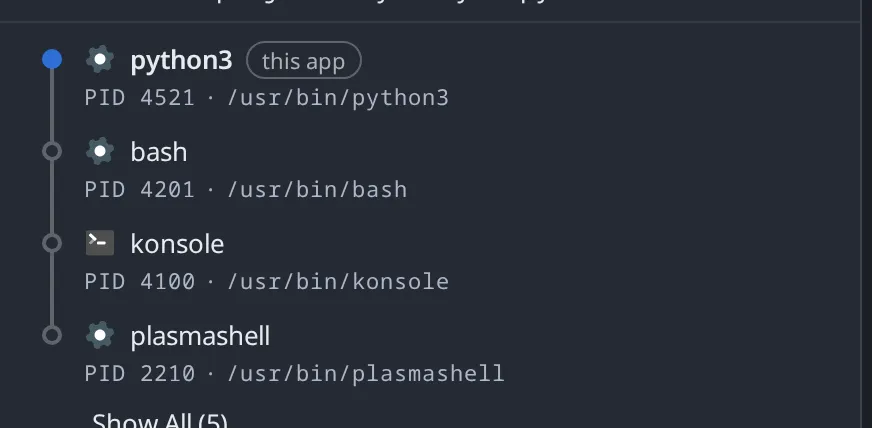
- The executable, the Flatpak app ID, or the script an interpreter runs
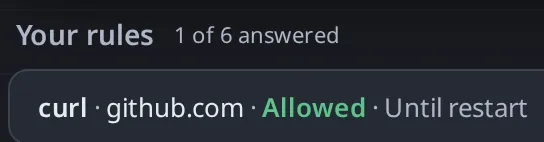
curl wants to connect to api.github.com on port 443Your rule
curlgithub.com · Allowed · Until quitAllowedAllow curl to connect to github.com on any port, until no curl process is running.
Then it remembers, and stays out of the way.
Alerts queue up, and Peephole keeps a record you can review later.
- Silent modes
- Silent Allow and Silent Block skip the alert but still log every connection
- Review
- Past connections, grouped. Any group can become a rule.
- When no one can answer
- Blocked by a temporary rule and tagged with why, like Before login
Waiting
- ssh198.51.100.88 · port 2239 s
Answered
- ping192.0.2.1 · ICMPAllowed once
- python3 running sync.py198.51.100.23 · port 443Before login
- ssh203.0.113.7 · port 22Full-screen app
Any group can become a rule.
It is safe to run on the machine you use every day.
Peephole is a system service that enforces from boot.
- If the service stops
- Traffic keeps flowing (fail-open). You can choose fail-closed instead.
- To turn it off
sudo peephole stopopens the network at once- Resource use
- Next to nothing on an idle desktop
- 1Power on
- 2
peepholedstarts and enforcesShips rules for systemd-resolved, systemd-timesyncd and NetworkManagerEnforcing - 3The network comes up
- 4You log inThe agent can now ask
Before login, with no one to answer, new connections are blocked and tagged for review.